
✦ CUSTOM CRM · WORKFLOWS · PRACTICAL AI

Custom CRM & AI Automation in Miami
Keep Your Team Moving. Keep Customers Connected.

iVisionX develops CRM and automation around the way your business works. We help you organize inquiries, manage follow-up and connect everyday tools, so your team spends less time moving information and more time serving customers.

Let’s Discuss Your Workflow →
✦ BUILT AROUND YOUR BUSINESS

Every Inquiry Needs a Next Step.
Help Your Team Keep Track.

When contacts, messages and tasks are spread across different tools, following up takes more effort. We bring the important information and actions into a workflow your team can use.

01

Organize Customer Information

We structure contacts, inquiry details and opportunity stages so your team can see who needs attention and what has happened so far.

02

Keep Follow-Up Moving

We build assignments, reminders and notifications around your response process, helping the right person take the next action.

03

Reduce Repetitive Work

We connect suitable tools and automate agreed tasks such as transferring form details, updating records and preparing routine acknowledgments.

✦ YOUR WORKFLOW COMES FIRST

A CRM That Fits Your Business.
Automation That Helps Your Team.

Your business has its own way of handling inquiries, appointments and customer relationships. We start by understanding that process, then develop the records, stages, permissions and workflows that support it.

We create tailored CRM solutions rather than offering one proprietary platform to every client. Your project can combine custom development with integrations to tools you already use, adding AI where it solves a specific task and keeping your team in control of important decisions.
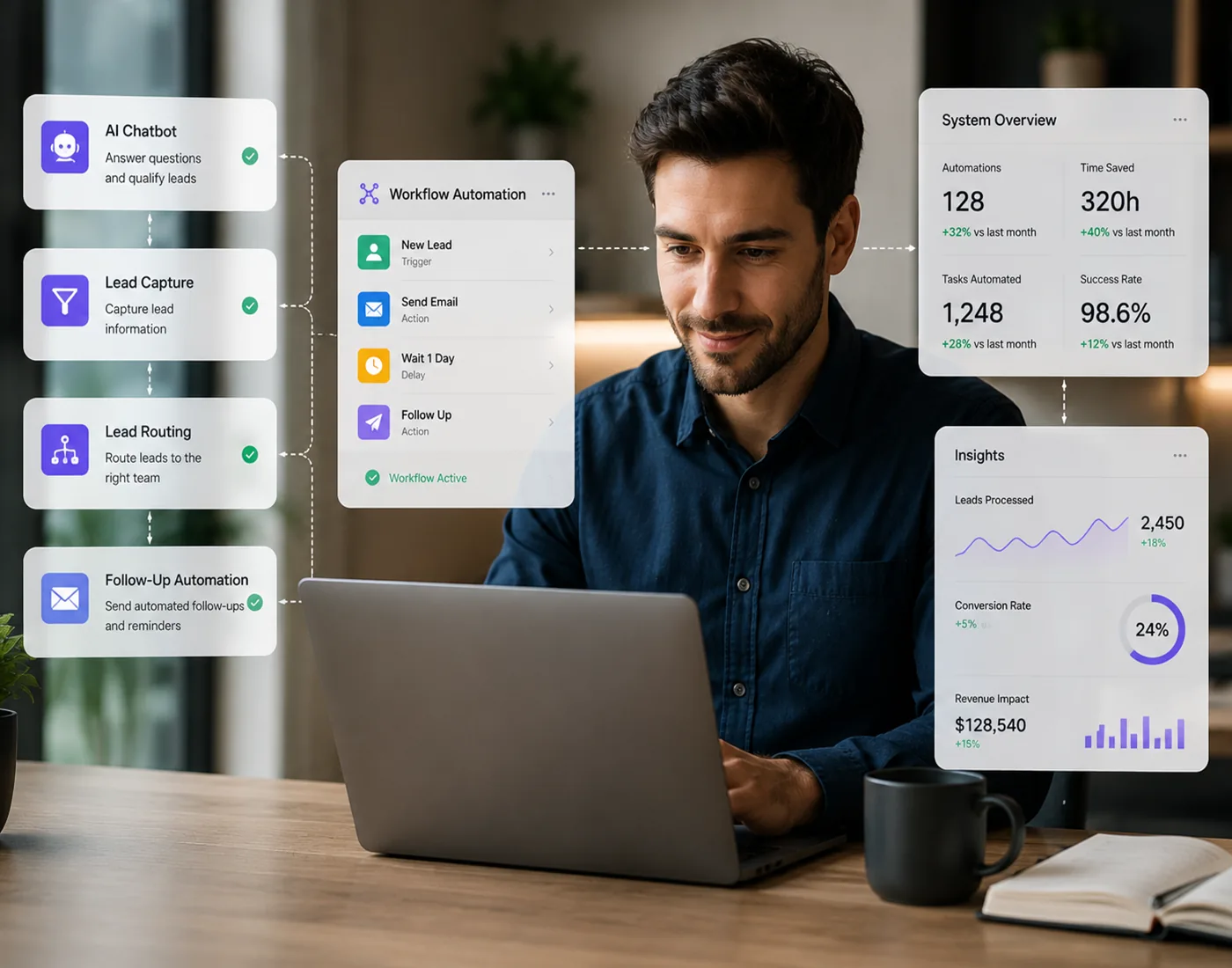
Concept illustration of business tools connected through automated workflows and AI
✦ WHAT’S INCLUDED

What’s Included in Our
CRM & AI Automation Services

We define the features, integrations and automation rules around your process. Your project plan identifies what we will build, which tools it will connect and how your team will use it.

01

Workflow Discovery & Solution Planning

We map how inquiries enter your business, who handles them and what should happen next. We identify useful automation and define the features to build first.

02

Custom CRM Development

We develop contact records, opportunity stages, task views and role-based access around your agreed requirements. The interface reflects the information your team needs to work.

03

Forms, Booking & Tool Integrations

We connect suitable website forms, booking services and business applications using available APIs or supported integrations. We define what data moves between each tool.

04

Follow-Up & Task Automation

We configure agreed assignments, reminders, notifications and status changes. Workflows include clear triggers, conditions and an exception path when someone needs to intervene.

05

Practical AI Features

We can add AI-assisted inquiry summaries, message drafts or information organization where appropriate. We define source information, review steps and access requirements for each use.

06

Testing, Training & Ongoing Support

We test workflows with representative scenarios, explain how your team should use the system and document the agreed configuration. We plan maintenance and support around your solution.

✦ CONNECT MARKETING WITH FOLLOW-UP

Your Marketing Brings the Inquiry.
Give Your Team a Clear Next Step.

We can connect campaign landing pages and website forms to your CRM, carrying useful inquiry details into the follow-up process. Your team can see the request, take ownership and track the next action in one place.

We define how integrations handle missing information, duplicate records and failed actions, so exceptions are easier to spot. The aim is a workable customer process, with automation supporting your team rather than adding another disconnected tool.

Connect Your CRM with Digital Advertising →
✦ HOW WE WORK

From Your Current Workflow
to Tools Your Team Can Use.

01

Understand Your Process

We review your current tools, inquiry sources and team responsibilities. Together we identify bottlenecks and define the first useful version of your solution.

02

Design the Workflow

We plan the records, stages, permissions and integration rules. You review how the system will support your day-to-day work before development.

03

Build & Test

We develop the agreed features and integrations, then test the normal workflow and common exceptions with representative data.

04

Train & Improve

We guide your team through the system, review early use and agree on support. Further features are prioritized around what your business needs next.

✦ YOUR QUESTIONS, ANSWERED

CRM & AI Automation
Questions & Answers.

Do you offer your own CRM platform?

We develop CRM solutions around each business’s requirements rather than offering one proprietary platform to every client. Your solution may use custom development, supported integrations and existing tools, depending on the workflow and features you need.

Can you work with the CRM and tools I already use?

Yes. We review your existing tools, available APIs and integration options before recommending changes. Where the platforms support it, we connect the tools you already use and build additional functionality around them.

What tasks can you automate?

Examples include creating a contact from a website form, assigning an inquiry, sending an agreed acknowledgment, scheduling reminders and updating a record when its status changes. We choose tasks around your process and define the trigger, conditions and follow-up for each one.

How can AI help my business?

AI can assist with defined tasks such as summarizing an inquiry, drafting a response for review or organizing information. We first identify a useful business task, then define the data, review process and integration it needs.

Does every CRM need AI?

No. Many useful improvements come from clear records, reliable integrations and straightforward automation. We recommend AI where it adds a practical benefit to the agreed workflow.

How do you handle access and customer information?

We define user roles, the information each integration needs and where data is stored. Access controls, credentials, retention needs and any third-party AI services are reviewed as part of planning your solution.

How long does a CRM or automation project take?

We estimate the timeline after reviewing your features, data and integrations. We can plan an initial version around the most useful workflow, with testing and training checkpoints before expanding the system.

Let’s Make Your Day-to-Day Work Easier.

Tell us where your team loses time or follow-up becomes difficult. We’ll help you identify the CRM features and automation worth building first.

Book a Free Consultation →